AI Outages: What They Mean for Your Business
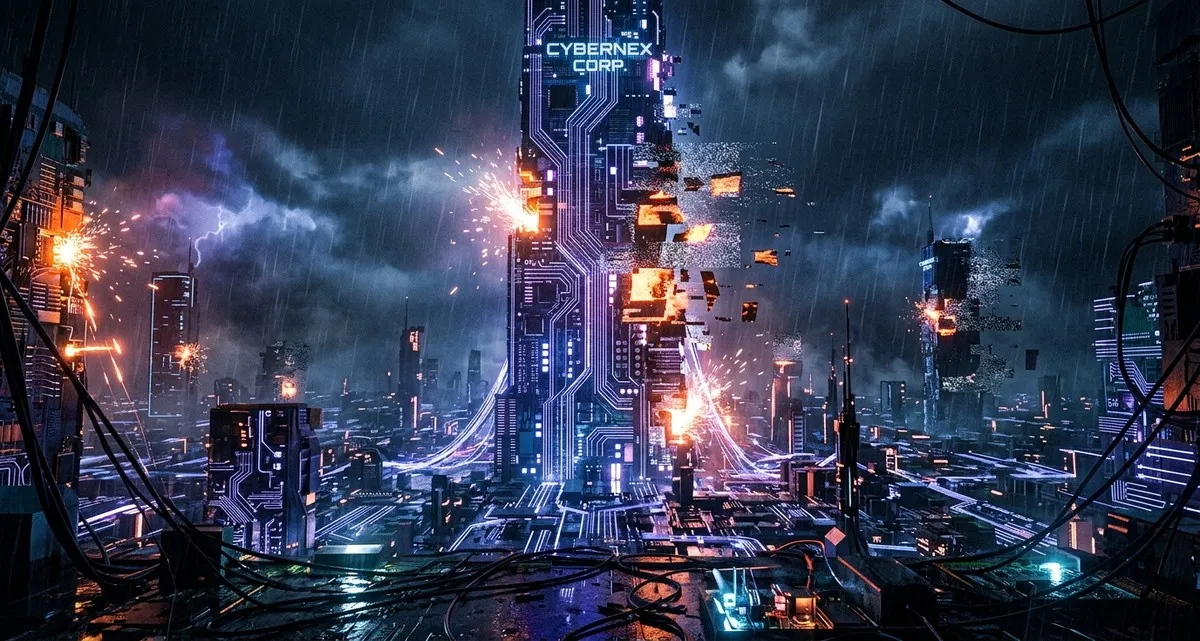
AI Downtime: Is Your Business Prepared for When It Stops Working?
Imagine your online store suddenly unable to process orders, or your customer service chatbot falling silent. Recent disruptions to a popular AI platform show that even the newest technology can fail—and your business needs to be ready.
AI is powerful, but relying on it completely without a backup plan is a risk many small businesses haven’t considered. If your operations depend on AI tools—whether for recommendations, customer support, or data analysis—an outage could mean lost sales, frustrated customers, and stalled productivity.
What’s Happening with AI Reliability?
In early April, a widely used AI chatbot service experienced multiple outages over several days. Users reported issues like:
- Login failures (being locked out of the system)
- Incomplete responses (the AI starting an answer but never finishing)
- System freezes (prompts loading indefinitely)
- Broken developer tools (integrations failing for businesses using API access)
These weren’t brief glitches. One outage lasted over 90 minutes, leaving businesses scrambling. The root cause? An “elevated rate of errors” in the AI’s core model, which powers everything from web apps to mobile access.
For small business owners, this raises a critical question: What happens when the AI tools you depend on stop working?
How AI Outages Can Directly Impact Your Business
AI disruptions don’t just mean inconvenience—they can hit your bottom line. Here’s how:
1. Lost Sales and Revenue
- Example: A webshop owner using AI to recommend products sees conversions drop when the system fails.
- Impact: Fewer upsells, abandoned carts, and missed revenue.
2. Customer Service Delays
- Example: A dental clinic’s AI-powered appointment scheduler goes offline, leaving patients unable to book visits.
- Impact: Frustrated customers may turn to competitors—and not come back.
3. Stalled Productivity
- Example: A freelance designer relying on AI for content ideas gets stuck when the tool stops responding.
- Impact: Deadlines slip, and projects take longer to complete.
4. Reputational Damage
- Example: A restaurant’s AI-driven reservation system crashes during peak hours.
- Impact: Negative reviews, lost trust, and a tarnished brand image.
5. Hidden Costs
- Example: A logistics company using AI for route optimization spends hours troubleshooting instead of delivering shipments.
- Impact: Wasted time, overtime pay, and delayed deliveries.
Why This Keeps Happening: The Challenge of Scaling AI
AI systems are complex. They require massive computing power, and as more businesses adopt these tools, the strain on infrastructure increases. Think of it like a highway:
- Low traffic? Everything runs smoothly.
- Rush hour? Bottlenecks, slowdowns, and crashes become more likely.
AI outages aren’t a sign that the technology is bad—they’re a reminder that, like any tool, AI isn’t perfect. And when it fails, the consequences can ripple through your entire operation.
How to Protect Your Business from AI Downtime
You wouldn’t rely on a single supplier for all your inventory—so why depend on just one AI provider? Here’s how to minimize risk:
1. Have a Backup Plan
- For chatbots: Keep a simple FAQ or human support option ready.
- For recommendations: Use manual overrides (e.g., a default “Top Sellers” list if AI fails).
- For productivity: Maintain offline templates or workflows.
2. Diversify Your Tools
- Don’t put all your eggs in one AI basket. Test multiple platforms to see which works best—and have alternatives ready.
3. Monitor Performance
- Set up alerts for AI failures (e.g., if a chatbot stops responding, switch to email support).
- Use free tools like Google Analytics to track uptime and performance.
4. Communicate Transparently
- If AI fails, let customers know. A simple message like “Our automated system is down—we’re working to fix it!” goes a long way.
5. Plan for Downtime
- Train your team on manual workarounds.
- Keep a log of common AI failures and how to handle them.
FAQ: What Small Business Owners Need to Know
Q: How often do AI outages happen? A: It varies, but major platforms experience disruptions a few times a year. Smaller outages may go unnoticed, but prolonged failures can cripple operations.
Q: What’s the biggest risk of relying on AI? A: The biggest risk isn’t the AI itself—it’s not having a backup. If your entire workflow depends on one tool, a single outage can halt your business.
Q: Should I stop using AI altogether? A: No! AI is a powerful tool—but like any technology, it’s not foolproof. The key is balancing automation with human oversight.
IT Move NL
Whether you’re running a bakery, a tech startup, or a dental clinic, AI reliability affects how you do business. At IT Move NL, we help companies of all sizes navigate these challenges—without the jargon or sales pitch. If you’re wondering how to keep your operations running smoothly, even when technology fails, let’s talk. We’re here to help.
Sources:

He/Him · AWS Certified Solutions Architect | Cloud Engineer @ Essent
Cloud Engineer at Essent B.V. with 10+ years of experience in the tech industry. AWS Certified, passionate about serverless architectures, Infrastructure as Code, and DevOps. Proficient in TypeScript, Python, and Terraform. Based in Amersfoort, Netherlands.
STAY IN THE LOOP
// Cloud, AI & DevOps insights — straight to your inbox.
No spam. Unsubscribe anytime.
// Related articles


Need help with your cloud infrastructure?
Our team of experts is ready to help you navigate the complexities of modern cloud architecture.
Get in Touch