PBS loses 50 TB when cloud provider vanished – backup lessons for small businesses
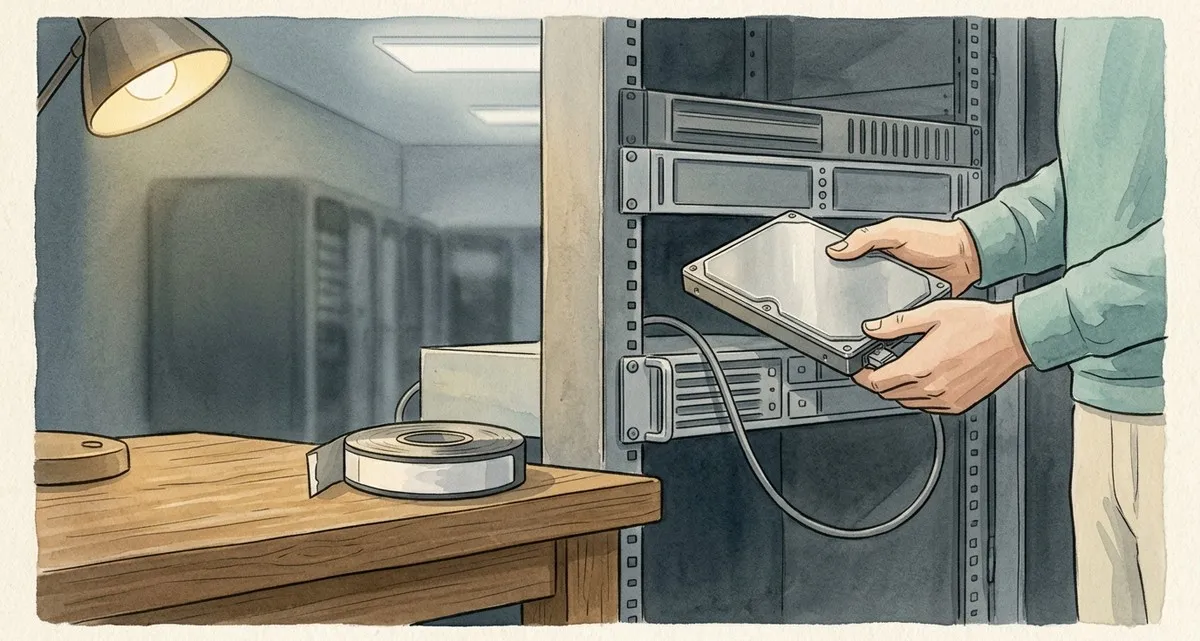
When a Cloud Provider Disappears, Your Business Pays the Price
Imagine discovering that 50 TB of irreplaceable TV shows, news footage, and historic recordings are suddenly out of reach because the company you trusted to store them vanished overnight. That’s exactly what happened to a PBS affiliate in the United States. While the story involves a public‑broadcasting station, the lesson is universal: no small business can afford to rely on a single cloud vendor without safeguards. In this article we’ll break down what happened, why it matters to you, and what practical steps you can take right now to keep your own data safe.
Backup solution for small business – what you must do
1. Never Put All Your Eggs in One Cloud Basket
A single‑provider strategy may look simple, but it leaves you vulnerable to vendor insolvency, service termination, or even a simple communication breakdown.
2. Keep Offline, Independent Backups
Physical backups stored off‑site (for example, on external hard drives or a trusted NAS) give you a way to restore data without needing the cloud provider’s cooperation.
3. Write Clear Contract Clauses
Your agreement with any storage vendor should include:
- Data retrieval rights – the vendor must hand over the data (or the storage media) on short notice, even if the contract ends.
- Notice periods – a minimum of 30 days’ notice before the provider can terminate access, giving you time to migrate.
- Vendor solvency checks – a requirement that the provider maintain certain financial standards or provide proof of insurance, and that you can audit their compliance.
4. Test Your Restores Regularly
A backup that you never open is as good as no backup. Schedule quarterly restore tests to confirm that your data is readable and complete.
The PBS Incident – What Really Happened
Even if you run a bakery or a freelance design studio, losing access to your files can shut down operations overnight.
- The PBS affiliate stored roughly 50 TB of archival material—news coverage, documentaries, and decades‑old recordings—in the cloud with a company called Open Source Storage (OSS).
- OSS used a data‑center operated by Iron Mountain in Denver to host the data.
- In March 2026 the contract between the PBS affiliate and OSS ended. When the affiliate tried to renew, OSS stopped responding. Within days the affiliate lost any way to access its files.
- A later check revealed that OSS had become delinquent with the Colorado Secretary of State and had effectively ceased operations.
- The PBS affiliate sued Iron Mountain, demanding that the physical devices holding the data be handed over. A judge blocked Iron Mountain from deleting or altering the data and ordered the affiliate to find a third party—such as a former OSS employee—to help retrieve the files within 30 days.
- As of now, the data remains locked away, and the affiliate faces the risk of losing decades of unique content forever.
The core of the problem is not the size of the data set but the lack of a safety net. When the vendor disappeared, there was no alternate copy, no clear contractual right to retrieve the hardware, and no plan for how to move the data elsewhere.
Simple 3‑2‑1 backup rule: three copies, two media, one off‑site
- 3 copies of every critical file – primary live data + two backups. If one copy is corrupted, you still have two others.
- 2 different storage media – cloud storage + external hard drive or NAS. Different media reduce the chance of a simultaneous failure.
- 1 copy off‑site – store a backup at a different physical location (e.g., a secure storage facility or a trusted partner). Protects against fire, flood, theft, or a provider‑wide outage.
- Regular testing – perform a full restore at least once every three months. Confirms that backups are usable and that you know the restore process.
- Contract review – Make sure every storage contract spells out how you can get your data back, gives you at least 30 days’ notice before termination, and requires the provider to prove it’s financially stable.
How IT Move NL Can Help You Stay Protected
At IT Move NL we understand that you didn’t start your business to become a tech expert. Our Cloud Solutions and Security & Protection services are built around the same principles that saved the PBS affiliate from total data loss—if only they had been in place.
- Free backup health‑check – We’ll audit your current backup setup, spot gaps, and recommend improvements.
- Multi‑cloud strategy – Combine reputable Dutch and European cloud providers with offline storage to meet the 3‑2‑1 rule without over‑complicating your workflow.
- Contract consulting – Our experts help you draft clear, enforceable clauses that guarantee data retrieval rights and vendor solvency checks.
- Ongoing monitoring – We keep an eye on your backups, run automated restore tests, and alert you before a problem becomes a crisis.
Don’t wait for a vendor to disappear before you discover the gaps. Reach out today for a no‑obligation conversation, and let us help you build a resilient data protection plan that lets you focus on growing your business.
Frequently Asked Questions
Q: Do I really need an offline backup if I already use a reputable cloud provider?
A: Yes. Even the most reliable providers can suffer outages, legal disputes, or financial trouble. An offline copy guarantees you can recover your data without depending on anyone else.
Q: How often should I review my storage contracts?
A: At least once a year, or whenever you notice a change in the provider’s service terms, pricing, or financial health. Our contract‑consulting service can handle this for you.
Q: What’s the best way to test a backup without disrupting my daily operations?
A: Schedule a quarterly restore of a representative sample of files to a separate device. This verifies integrity while keeping your production environment untouched.
Q: How do backups keep my online shop running if my provider disappears?
A: A recent backup stored on a different platform or offline allows you to quickly migrate your product catalog, customer data, and order history to a new host, minimizing downtime and lost sales.
Sources:

He/Him · AWS Certified Solutions Architect | Cloud Engineer @ Essent
Cloud Engineer at Essent B.V. with 10+ years of experience in the tech industry. AWS Certified, passionate about serverless architectures, Infrastructure as Code, and DevOps. Proficient in TypeScript, Python, and Terraform. Based in Amersfoort, Netherlands.
STAY IN THE LOOP
// Cloud, AI & DevOps insights — straight to your inbox.
No spam. Unsubscribe anytime.
// Related articles



Need help with your cloud infrastructure?
Our team of experts is ready to help you navigate the complexities of modern cloud architecture.
Get in Touch