Smarter Tools for Busy Business Owners
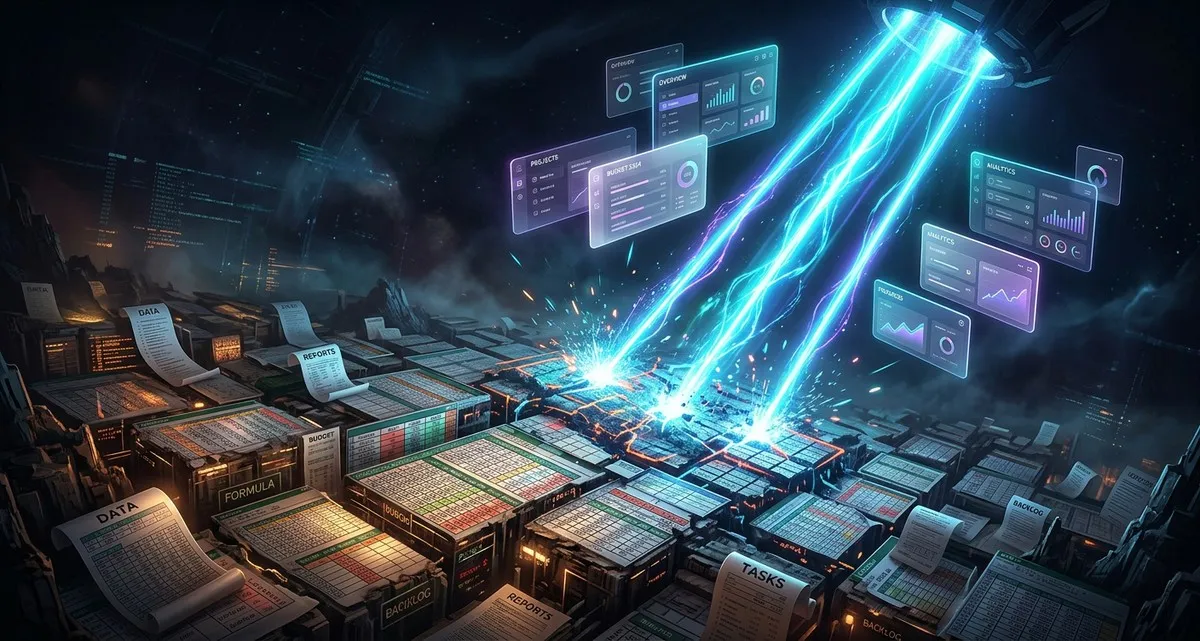
Stop Letting Tasks Eat Your Day: Smarter Business Tools Are Here
As a business owner, your time is precious. Every hour spent on repetitive tasks—like updating spreadsheets, tracking inventory, or managing customer orders—is an hour taken away from growing your business. What if you could automate those tasks without hiring a developer or learning to code? That’s exactly what low-code and no-code tools make possible.
These platforms let you build custom solutions with simple drag-and-drop interfaces, so you can focus on what really matters: your business.
What Are Low-Code and No-Code Tools?
You’ve probably heard of coding—the language computers understand. Traditionally, building custom software or automating processes meant hiring developers who speak that language. But what if you could create solutions without writing a single line of code?
That’s where low-code and no-code platforms come in.
- No-code tools are designed for people with no technical experience. They use visual interfaces—think drag-and-drop blocks—to build apps, automate workflows, or even create websites. Imagine snapping together LEGO bricks to build something new, instead of sculpting from scratch.
- Low-code tools are a step up—they require some technical knowledge but still let you build solutions faster than traditional coding. They’re great for businesses that need a little more flexibility but don’t want to rely on a full development team.
These tools aren’t just for tech companies. They’re for any business that wants to work smarter—whether you run a bakery, a dental clinic, or an online store.
Why This Matters: The Bakery Example
Let’s look at “De Zoete Hoek,” a local bakery in Amsterdam. Owner Annelies spends hours each week manually updating inventory lists, tracking customer orders, and generating reports. This takes her away from what she loves—baking—and makes it harder to grow her business.
Before, automating these tasks would have meant hiring a developer or buying expensive software. Now, with a no-code tool, Annelies can build a simple inventory app connected to her point-of-sale system. She can also create a customer order form that automatically updates her stock levels. No coding required.
This isn’t just a time-saver—it’s a game-changer for small businesses. With the right tools, you can:
- Reduce errors by automating repetitive tasks.
- Save money by avoiding costly custom software.
- Scale faster without hiring extra staff.
How Other Businesses Are Using These Tools
1. The Online Store
A small webshop selling handmade jewelry was struggling with order management. Every time a customer placed an order, the owner had to manually update inventory, send confirmation emails, and track shipments. With a no-code tool, they built a system that automatically updates inventory, sends order confirmations, and even generates shipping labels. Now, they spend less time on admin and more time on design.
2. The Dental Clinic
A dental clinic needed a way to remind patients about appointments. Instead of calling each patient, they used a no-code tool to set up automated SMS and email reminders. The system even lets patients confirm or reschedule with a click. No more missed appointments, and no more wasted time on phone calls.
3. The Freelance Designer
A freelance designer was drowning in client requests. They used a low-code tool to create a simple client portal where customers can submit project details, upload files, and track progress. The designer saves hours each week and keeps clients happy with real-time updates.
How to Get Started
You don’t need to be a tech expert to use these tools. Here’s how to begin:
- Identify your biggest time-wasters. What tasks do you or your team repeat daily or weekly? Start there.
- Pick the right tool. No-code platforms like Airtable, Zapier, or Bubble are great for beginners. Low-code tools like Microsoft Power Apps or Retool offer more flexibility for businesses with some technical know-how.
- Start small. Build a simple automation or app for one task. Test it, refine it, and expand from there.
- Train your team. These tools are designed to be user-friendly, but a little training goes a long way. Many platforms offer free tutorials or support.
FAQ: Your Questions Answered
1. Are these tools really for non-techies?
Yes! No-code tools are designed for people with no coding experience. If you can use a spreadsheet or drag-and-drop files, you can use these platforms. Low-code tools require a bit more technical comfort but are still much easier than traditional coding.
2. How much do these tools cost?
Prices vary, but many no-code platforms offer free plans for small businesses. Paid plans typically start at €10–€50 per month, depending on features. Compare that to the cost of hiring a developer or buying custom software—it’s a steal.
3. Can I really build something useful without coding?
Absolutely. Many businesses use no-code tools to build:
- Customer order forms
- Inventory management systems
- Automated email campaigns
- Simple websites or client portals
- Data dashboards for tracking sales or expenses
IT Move NL
Whether you run a bakery, a clinic, or a tech team, tools like these can transform how you work. The best part? You don’t need a big budget or a degree in computer science to get started. If you’re curious about how low-code or no-code tools could help your business, let’s talk. No jargon, no sales pitch—just practical advice for making your workday easier.
Sources:

He/Him · AWS Certified Solutions Architect | Cloud Engineer @ Essent
Cloud Engineer at Essent B.V. with 10+ years of experience in the tech industry. AWS Certified, passionate about serverless architectures, Infrastructure as Code, and DevOps. Proficient in TypeScript, Python, and Terraform. Based in Amersfoort, Netherlands.
STAY IN THE LOOP
// Cloud, AI & DevOps insights — straight to your inbox.
No spam. Unsubscribe anytime.
// Related articles

Need help with your cloud infrastructure?
Our team of experts is ready to help you navigate the complexities of modern cloud architecture.
Get in Touch