Urgent file‑transfer shutdown: what every small business must do now
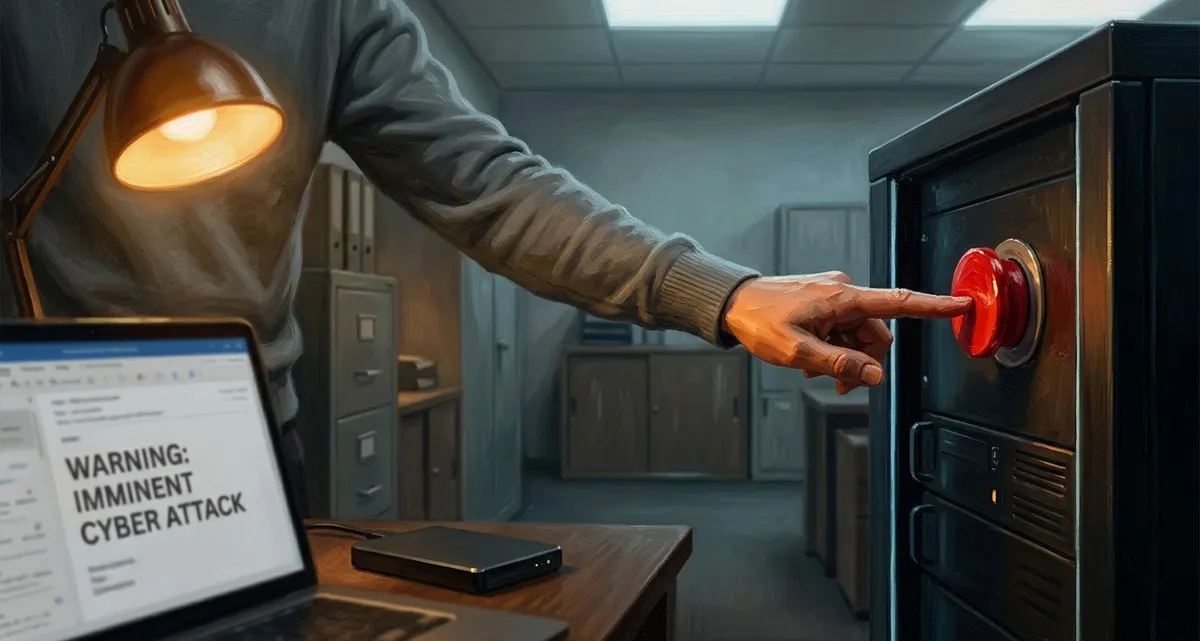
Urgent file‑transfer shutdown: what the Kiteworks warning means for you
Imagine opening your inbox on Friday afternoon to find a short, urgent email from the provider of the tool you use to send large files to clients and partners. The message says: shut down your servers now – a cyber‑attack is imminent. If you ignore it, you risk data loss, ransomware, or a prolonged outage that could stop orders, appointments, or deliveries. For a small business that relies on smooth file exchange, that scenario can mean lost revenue and damaged reputation overnight.
Why the Kiteworks advisory matters to you
Kiteworks – the company behind a popular secure file‑transfer platform – has just warned its customers that law‑enforcement intelligence points to a possible attack targeting its systems as early as this weekend. The warning is precautionary: there is no confirmed breach yet, but the threat is described as a “zero‑day” vulnerability, meaning hackers could exploit a flaw that the vendor has not had time to patch.
Even if you are not a tech‑savvy owner, the implication is clear: the service you trust for sending contracts, design files, or medical records could become a gateway for attackers. A successful breach could expose sensitive data, lead to ransomware demands, or force the provider to shut the service down completely until the issue is resolved. In practical terms, you could lose access to files you need right now, and your customers could be left waiting.
Emergency checklist – what to do right now
-
Pause the service immediately
Log into the admin console of your file‑transfer tool and disable new uploads and downloads. If the provider offers a “maintenance mode” or “shutdown” option, activate it. This stops any potential malicious traffic from reaching the system. -
Confirm you have recent backups
- Locate the most recent backup of all files stored on the service.
- Verify the backup date and that the files are complete.
- If you use cloud storage (e.g., a generic “cloud backup” service), make sure you can access the backup without needing the compromised system.
-
Validate backup integrity
Open a few random files from the backup to ensure they open correctly and are not corrupted. If you notice missing or altered files, note them for later investigation. -
Switch to a temporary, secure alternative
- Use a well‑known, encrypted file‑sharing solution that you already have a backup plan for (e.g., a generic “encrypted cloud drive” or a secure email attachment with password protection).
- Communicate the temporary change to your clients and staff, explaining that it is a short‑term safety measure.
How to protect your business from hackers during a service shutdown
-
Monitor for signs of compromise
- Look for unexpected login attempts, alerts from your antivirus, or unusual network traffic.
- Keep an eye on any emails from the provider that provide updates or further instructions.
-
Contact a security professional
If you are unsure about any step, or if you detect suspicious activity, reach out to a trusted security partner. A rapid response can prevent data loss and limit downtime. -
Document the incident
Write down what you did, when you did it, and any observations. This record will help you and any security consultant understand the scope of the event and improve future response plans.
Why regular backups and an incident‑response plan are essential
The Kiteworks alert highlights a broader truth: even the most reputable vendors can become targets. A solid backup strategy means you have a copy of your critical data that lives outside the potentially compromised system. Regularly testing those backups – opening files, checking timestamps – ensures they will work when you need them most.
An incident‑response plan is a simple, written checklist (like the one above) that every employee knows. When a warning arrives, you don’t scramble; you follow the steps, keep customers informed, and minimise disruption. Small businesses that practice these habits are far more resilient than those that react ad‑hoc.
Frequently asked questions
Q: Do I need to shut down my file‑transfer service even if no breach is confirmed?
A: Yes. The warning is about a possible zero‑day attack – a flaw that could be exploited before a fix is released. Shutting down the service removes the attack surface while you verify backups and wait for official updates.
Q: What if I don’t have a recent backup – how can I still protect my business from hackers?
A: Contact your provider immediately to ask about any built‑in recovery options. If none exist, consider using a professional data‑recovery service, but treat the situation as high‑risk and act quickly to prevent further damage.
Q: How long should I keep the temporary file‑sharing solution in place?
A: Only until the provider confirms the threat has been neutralised and the service is safe to use again. Keep your clients updated with clear timelines to maintain trust.
Keep your business running – we can help
Dealing with an urgent security alert can feel overwhelming, especially when you’re juggling orders, staff, and customers. At IT Move NL we specialise in Security & Protection for small businesses: rapid incident response, backup verification, and secure temporary file‑transfer alternatives. Our team can:
- Take the stress out of emergency shutdowns and restorations.
- Verify that your backups are complete, recent, and ready to use.
- Provide a vetted, secure way to keep sharing files while your primary service is offline.
Contact IT Move NL today for a free consultation on handling an urgent file‑transfer shutdown and protecting your data.
Sources:

He/Him · AWS Certified Solutions Architect | Cloud Engineer @ Essent
Cloud Engineer at Essent B.V. with 10+ years of experience in the tech industry. AWS Certified, passionate about serverless architectures, Infrastructure as Code, and DevOps. Proficient in TypeScript, Python, and Terraform. Based in Amersfoort, Netherlands.
STAY IN THE LOOP
// Cloud, AI & DevOps insights — straight to your inbox.
No spam. Unsubscribe anytime.
Need help with your cloud infrastructure?
Our team of experts is ready to help you navigate the complexities of modern cloud architecture.
Get in Touch