AI Outages Costing You? How to Protect Your Business
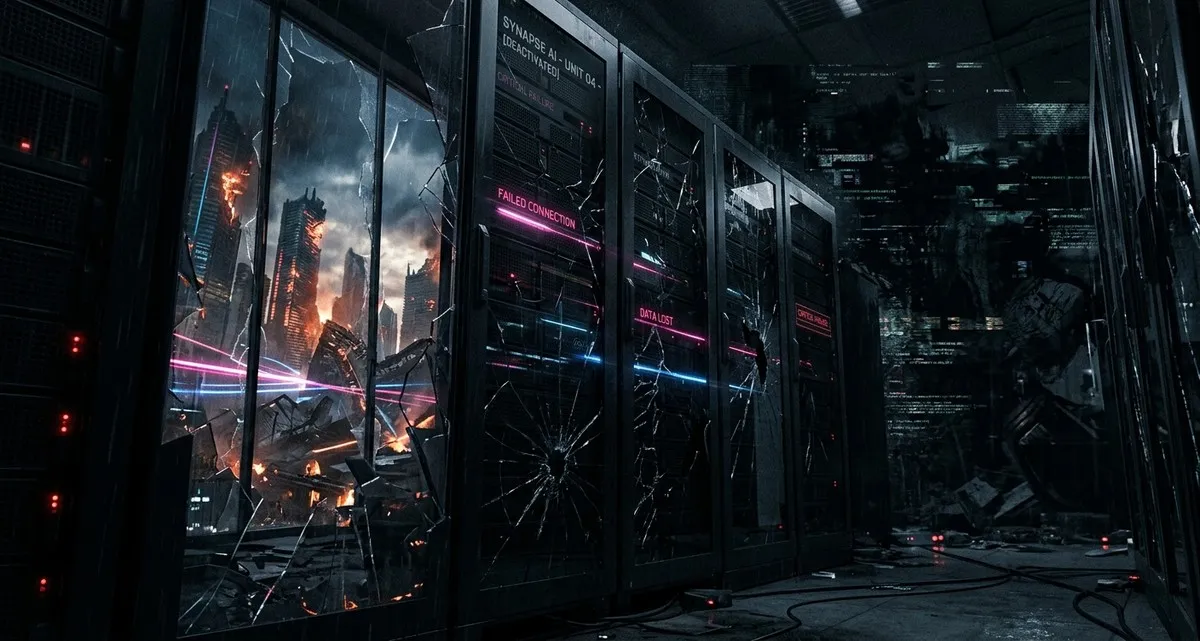
Imagine this: It’s a busy Friday afternoon at your online store. Customers are browsing, adding items to their carts, and checking out—until suddenly, your product recommendations stop working. Your chatbot goes silent. Even your pricing calculator starts showing errors. What’s happening? A problem with the AI service your website relies on.
This isn’t a hypothetical scenario. In 2025, major AI outages disrupted businesses worldwide, costing billions in lost sales, frustrated customers, and operational headaches. For small business owners, these disruptions can feel like a sudden power outage—except you don’t control the switch.
Why AI Outages Should Matter to You
AI tools—like chatbots, automated marketing assistants, or inventory predictors—are becoming as common as email. They save time, cut costs, and help you compete with bigger players. But here’s the catch: most of these tools rely on a handful of large tech companies (think OpenAI or Anthropic) to power them. When those companies have problems, your business feels the impact.
Think of it like relying on a single delivery service for all your supplies. If their trucks break down, your shelves stay empty. AI outages work the same way—except the “trucks” are invisible, and the “supplies” are things like customer service, sales, or even legal research.
Real-World Examples of AI Disruptions
- A dental clinic’s online booking system stopped working because its AI-powered scheduler went offline.
- A bakery’s automated email campaigns froze when the AI tool it used for personalization crashed.
- A freelance designer couldn’t access AI-generated drafts for a client project, delaying delivery.
- A logistics company’s route-planning tool gave incorrect directions after an AI service update.
These aren’t edge cases. They’re becoming more common as businesses depend on AI for critical tasks.
How AI Outages Can Hurt Your Business
1. Customer Service Chaos
If your chatbot or virtual assistant stops working, customers get frustrated. Simple questions go unanswered, and your team gets overwhelmed with calls or messages. For a small business, this can mean lost sales and damaged reputation.
Example: A restaurant using an AI chatbot to handle reservations suddenly finds itself manually answering dozens of calls during peak hours.
2. Sales and Marketing Freeze
AI tools help personalize emails, recommend products, and even write social media posts. When they fail, your marketing stalls. Campaigns don’t go out, ads stop performing, and your sales pipeline slows down.
Example: An online clothing store’s AI-powered recommendation engine shows “out of stock” for all items, causing a 30% drop in sales during a weekend sale.
3. Operational Bottlenecks
AI isn’t just for customer-facing tasks. Many businesses use it for inventory forecasting, supply chain logistics, or even legal research. An outage can create delays, errors, or even compliance risks.
Example: A small law firm’s AI research tool goes down during a critical case, forcing paralegals to manually sift through documents.
4. Data Security Risks
Outages can sometimes expose vulnerabilities. If an AI tool fails, it might leave sensitive customer data unprotected. This is especially risky if you’re handling payment info, medical records, or legal documents.
Example: A clinic’s AI-powered patient portal briefly exposes appointment details during an outage, raising privacy concerns.
The Hidden Risk: Putting All Your Eggs in One Basket
The biggest problem? Most AI tools rely on just a few large providers. When one of them has an issue—whether it’s a software bug, a cyberattack, or just high demand—many businesses suffer at once.
This is called a central point of failure. It’s like relying on a single bank for all your transactions. If that bank has a problem, your entire business grinds to a halt.
What You Can Do to Protect Your Business
You don’t need to avoid AI altogether. But you do need to think ahead. Here’s how:
1. Know What AI Tools You’re Using
Make a list of all the AI-powered tools your business relies on. This could include:
- Chatbots for customer service
- Email marketing tools with AI personalization
- Inventory or sales forecasting software
- AI-powered design or writing assistants
Ask yourself: What happens if this tool stops working for a day? A week?
2. Have a Backup Plan
If your AI tool goes down, what’s your next step? Some ideas:
- Keep a manual process ready (e.g., a spreadsheet for inventory instead of an AI tool).
- Use a secondary provider for critical tasks (e.g., a backup chatbot service).
- Train your team to handle tasks manually if needed.
Example: A webshop could keep a simple pricing calculator as a backup in case its AI-powered one fails.
3. Check Your Contracts
Some AI providers offer service level agreements (SLAs)—promises about how often their tools will be available. Look for:
- Uptime guarantees (e.g., “99.9% uptime” means the tool should be down for less than 9 hours a year).
- Compensation for outages (some providers offer refunds if their service fails).
- Data backup policies (how often your data is saved, and how quickly you can recover it).
4. Protect Your Data
If an AI tool handles sensitive info (like customer data or financial records), make sure:
- The provider follows security best practices (look for certifications like ISO 27001 or SOC 2).
- You have your own backups of important data.
- You’re not storing more data than necessary with the provider.
5. Test Your Systems
Regularly check how your business would handle an AI outage. Try:
- Turning off an AI tool for a day to see how your team copes.
- Running a “fire drill” to test your backup plans.
- Asking your IT team (or a trusted tech partner) to review your setup.
FAQ: What Business Owners Are Asking
What’s the most common way AI outages affect small businesses?
The biggest impact is usually on customer service and sales. If your chatbot or recommendation engine stops working, customers can’t get help or find products, leading to lost revenue.
How can I tell if an AI provider is reliable?
Look for:
- A history of few outages (check their status page or news for past issues).
- Strong security practices (ask about encryption, data backups, and compliance certifications).
- Transparent SLAs (service level agreements) that guarantee uptime.
Should I avoid AI tools altogether?
No—AI can be a huge help for small businesses. But you should use it strategically. Don’t rely on a single AI tool for critical tasks, and always have a backup plan.
IT Move NL
Whether you’re a shop owner testing a new AI chatbot or an IT manager setting up a company-wide AI strategy, these outages are a reminder: technology should work for your business, not against it. If you’re unsure how to build resilience into your AI setup—or just want a second opinion on your current tools—let’s talk. No jargon, no sales pitch—just practical advice for keeping your business running smoothly.
Sources:

He/Him · AWS Certified Solutions Architect | Cloud Engineer @ Essent
Cloud Engineer at Essent B.V. with 10+ years of experience in the tech industry. AWS Certified, passionate about serverless architectures, Infrastructure as Code, and DevOps. Proficient in TypeScript, Python, and Terraform. Based in Amersfoort, Netherlands.
STAY IN THE LOOP
// Cloud, AI & DevOps insights — straight to your inbox.
No spam. Unsubscribe anytime.
// Related articles



Need help with your cloud infrastructure?
Our team of experts is ready to help you navigate the complexities of modern cloud architecture.
Get in Touch