Affordable AI assistant or risk? How to protect your small business data from Muse AI
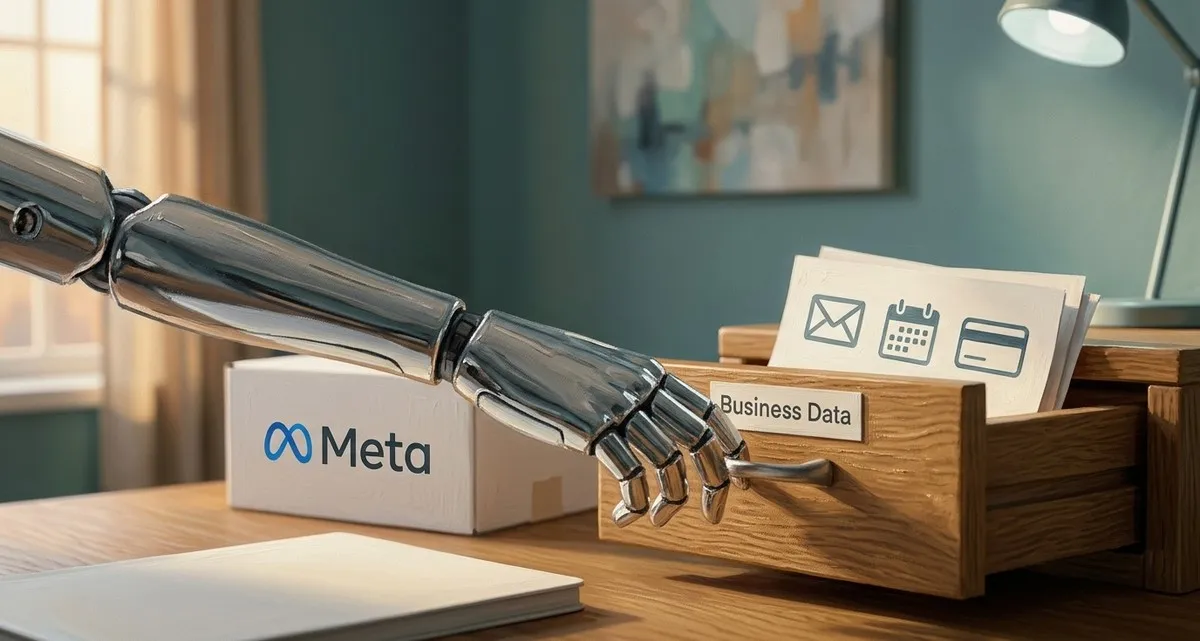
Image generated with AI
This article and its cover image were generated with artificial intelligence (AI).
Hook – Why This Matters to Your Business
Imagine a virtual assistant that can draft emails, book travel, and even pay invoices for you. That sounds like a productivity boost, right? Meta’s new Muse AI agent promises exactly that – but it asks for access to the very tools that keep your business running: email, calendar, payment services, and even health‑related apps. For a small‑business owner who isn’t a tech expert, handing over that level of access can feel like handing over the keys to the office. Before you let Muse into your inbox, let’s look at the real risks and the questions you should ask.
What Is Muse and What Data Does It Want?
Muse is marketed as a personal AI assistant that can act on your behalf across a range of everyday services. To do so, it asks you to connect the apps you use most:
| Service | Typical Business Use | Why Muse Wants Access |
|---|---|---|
| Customer inquiries, invoices, marketing | To read, draft, and send messages automatically | |
| Calendar | Appointments, delivery schedules, staff shifts | To schedule meetings, book travel, send reminders |
| Payments (e.g., Stripe’s Link) | Online sales, supplier invoices | To initiate purchases, pay bills, create purchase orders |
When you enable a connection, Muse stores a set of credentials (API keys or OAuth tokens) that let it act as you would. Meta says the assistant runs inside a secure virtual machine (a separate, locked‑down computer environment that keeps your data isolated from other Meta services) that isolates it from other Meta services and that it never sees your passwords directly. Still, the fact that an external AI can read and act on your communications is a significant shift from the usual “read‑only” integrations many tools offer today.
Why the data request matters for your small business
- Financial exposure – If Muse can initiate payments, a bug or a malicious prompt could result in unauthorized charges.
- Customer‑privacy risk – Emails often contain personal data (addresses, health information, payment details). A breach could violate GDPR and damage trust.
- Operational disruption – An AI that automatically books travel or changes calendar events could create scheduling chaos if it misinterprets a request.
- Vendor‑lock‑in – Relying on a single AI platform for many core processes makes it harder to switch providers later.
For a local bakery that uses a single email address for orders, a calendar for delivery slots, and a payment gateway for online sales, the impact of a single mistake could be the loss of a day’s revenue and a dent in reputation.
Vendor‑risk checklist for any AI assistant
Treat an AI assistant the same way you would any third‑party software vendor. Before you click “Connect,” run through this quick checklist:
| Question | What to Look For |
|---|---|
| What exact permissions are requested? | Look for granular scopes (e.g., “read‑only email” vs. “send email”). Avoid “full access” unless absolutely necessary. |
| How is my data stored and processed? | Ask whether the provider uses encryption at rest, isolates workloads, and where the data centers are located (EU‑based is preferable for GDPR). |
| Can the AI see my passwords or payment details? | Meta claims Muse cannot read passwords, but verify that the integration uses token‑based authentication rather than storing raw credentials. |
| What happens to my data if I stop using the service? | Confirm that you can revoke access and that the provider will delete or return your data within a reasonable timeframe. |
| Is there a usage‑meter or alert system? | A clear dashboard that shows how many actions the AI has performed helps you spot unexpected activity. |
| What liability does the vendor assume for misuse? | Review the terms of service for indemnification clauses and any insurance coverage. |
| Can I test the AI in a sandbox or pilot? | Start with a non‑critical account (e.g., a test email address) before connecting your production systems. |
Concrete Steps to Protect Your Business
- Start with a limited pilot – Connect Muse only to a test email and a dummy calendar. Observe how it behaves before granting access to real customer data.
- Use separate business accounts – If possible, create a dedicated email address and payment account just for AI tasks. This limits exposure if something goes wrong.
- Enable multi‑factor authentication (MFA) on every account you link. Even if an AI token is compromised, the attacker still needs the second factor to log in.
- Review permissions regularly – Set a monthly reminder to audit which apps are still connected and whether any scopes can be tightened.
- Consider a third‑party risk assessment – A professional review can spot hidden dependencies and suggest contract language that protects you.
FAQ – common questions about AI assistants and data access
Q: Will Muse ever see my passwords?
A: Meta says Muse runs in a secure virtual machine that does not have direct access to passwords. It uses token‑based authentication, which means you grant limited access without sharing the actual password.
Q: What happens to my data if I stop using Muse?
A: You can revoke the connection from the app’s settings. Meta’s documentation states that data stored in the Secure VM will be deleted after a short retention period, but you should confirm the exact timeline before signing up.
Q: Can I limit what Muse can do, for example, allow it to read email but not send?
A: The current permission model groups read and write actions together for most services. If you need tighter control, consider using a separate test account for the AI or waiting for future granular scopes.
Q: Does using Muse comply with GDPR?
A: Muse stores data in EU‑based servers and encrypts it at rest, but you must still verify that you have a lawful basis for processing customer data and that you can delete it on request.
Closing – Keep Your Data Safe While Exploring AI
AI assistants like Muse can free up time, but they also introduce a new class of vendor risk. At IT Move NL we help small‑business owners navigate these decisions with confidence. Our Security & Protection service includes data‑access reviews, ongoing monitoring, and risk assessments tailored to your tools. If you’re curious about using Muse—or any AI workflow—we can set up a free vendor‑risk assessment to pinpoint the right safeguards for your business.
We’re here to help you make AI work safely for your business.
Sources:

Reviewed by
David Velarde RoblesHe/Him · Content reviewer · AWS Certified Solutions Architect | Cloud Engineer @ Essent
Cloud Engineer at Essent B.V. with 10+ years of experience in the tech industry. AWS Certified, passionate about serverless architectures, Infrastructure as Code, and DevOps. Proficient in TypeScript, Python, and Terraform. Based in Amersfoort, Netherlands.
STAY IN THE LOOP
// Cloud, AI & DevOps insights — straight to your inbox.
No spam. Unsubscribe anytime.
// Related articles


Need help with your cloud infrastructure?
Our team of experts is ready to help you navigate the complexities of modern cloud architecture.
Get in Touch