2FA for Small Businesses: Simple Security That Works
Stop Hackers in Their Tracks: Protect Your Business Now
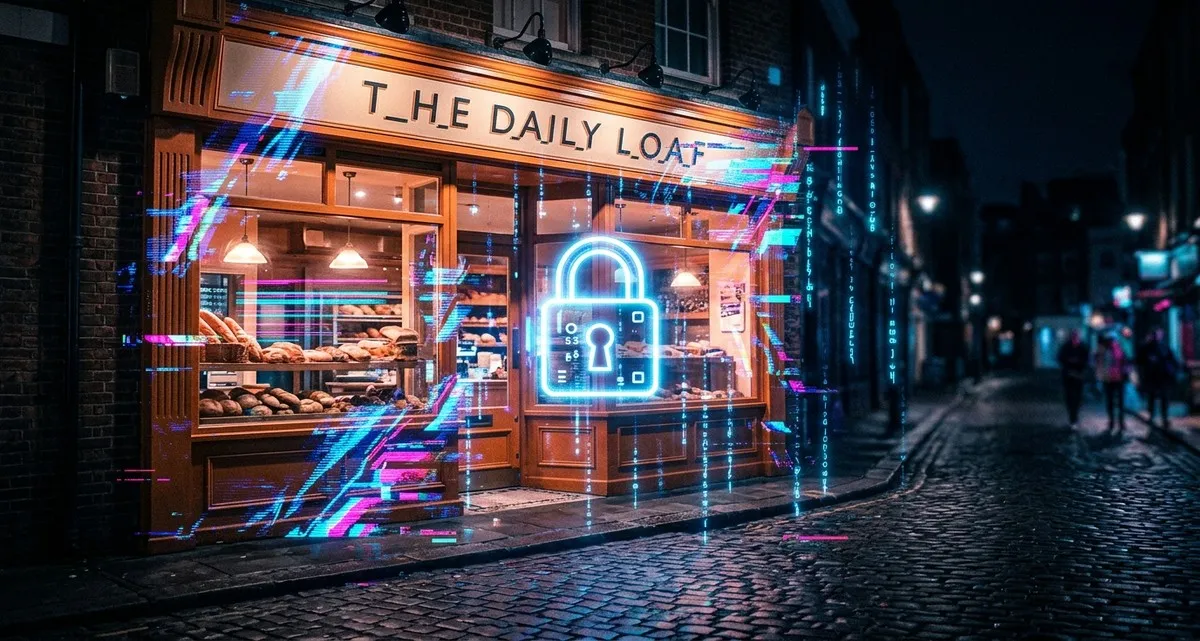
Imagine this: You run a small bakery with a loyal customer base. One morning, you log into your email to find orders piling up—but none of them are yours. Your account’s been hacked, and someone’s using your business name to scam people. Worse, they’ve locked you out. Your customers are angry, your reputation is damaged, and you’re losing money by the hour.
This isn’t a hypothetical scenario. It’s happening to small businesses every day. In fact, over 352 million records were exposed in data breaches recently—and small businesses are the prime target. Why? Because cybercriminals know you’re less likely to have strong security in place. But here’s the good news: There’s a simple, effective way to protect your business, and it doesn’t require a tech degree or a big budget.
It’s called two-factor authentication (2FA)—an extra security step that acts like a second lock on your digital doors. And in this article, we’ll break down exactly what it is, why it matters for your business, and how to set it up in minutes.
Why Your Business Is a Target (And It’s Not About Being Big)
You might think hackers only go after big companies with deep pockets. But the reality is, small businesses are easier targets. Here’s why:
- Weaker security: Many small businesses don’t have dedicated IT teams or fancy security systems. That makes them low-hanging fruit for cybercriminals.
- Valuable data: Even if you’re not a tech company, you likely store customer information, payment details, or sensitive business data. That’s gold for hackers.
- Human error: A single mistake—like clicking a phishing link or using a weak password—can open the door to an attack. And let’s be honest: We’ve all been guilty of reusing passwords or ignoring security warnings when we’re busy.
The bottom line? If you’re running a business, you’re a target. But the good news is, you don’t need a fortress to stay safe. You just need the right locks.
What Is Two-Factor Authentication? (Think of It Like a Double Lock)
Let’s say you lock your front door with a key. That’s your password. Now, imagine adding a deadbolt and requiring a secret code to get in. That’s 2FA.
In simple terms, two-factor authentication (2FA) adds a second layer of security to your accounts. Instead of just entering a password, you’ll also need something else—like a code sent to your phone, a fingerprint scan, or a notification from an app.
How It Works:
- Something you know: Your password (like always).
- Something you have: A code from your phone, a fingerprint, or a security key.
This means even if a hacker steals your password, they still can’t get into your account without that second piece of the puzzle.
Examples of 2FA:
- Text message codes: You get a 6-digit code sent to your phone.
- Authenticator apps: Apps like Google Authenticator or Authy generate codes that change every 30 seconds.
- Biometric scans: Fingerprint or face ID (common on smartphones).
- Security keys: Physical devices you plug into your computer (like a USB key).
It might sound complicated, but in practice, it’s as simple as typing in a code or tapping “Approve” on your phone. And the security boost is huge.
The Ripple Effect: How a Breach Hurts Your Business
A data breach isn’t just an IT problem—it’s a business problem. Here’s how it can impact you:
1. Financial Losses
- Recovery costs: Fixing a breach can cost thousands of euros in IT support, legal fees, and lost revenue.
- Fines: If customer data is exposed, you could face fines under laws like GDPR.
- Fraud: Hackers might steal money directly from your accounts or use your business name to scam others.
Example: A small online shop in the Netherlands had its email hacked. The attacker used it to send fake invoices to customers, stealing €15,000 before the owner even realized what was happening.
2. Reputational Damage
- Lost trust: Customers won’t want to do business with you if they think their data isn’t safe.
- Negative reviews: News of a breach spreads fast, especially on social media.
- Long-term impact: Rebuilding your reputation takes time—and some customers may never come back.
Example: A local dental clinic had its patient records leaked. Patients were furious, and the clinic lost 20% of its clients in the following months.
3. Operational Disruption
- Downtime: If your systems are locked or compromised, you can’t serve customers or run your business.
- Lost productivity: Your team will spend hours (or days) dealing with the fallout instead of doing their jobs.
- Legal headaches: You may need to notify customers, report the breach, and deal with lawsuits.
Example: A restaurant’s point-of-sale system was hacked, forcing them to close for two days while IT fixed the issue. They lost €5,000 in sales and had to pay for emergency repairs.
4. Legal Liabilities
- Lawsuits: Customers or employees whose data was exposed could sue you.
- Regulatory action: Authorities may investigate and impose penalties.
Example: A freelance designer had her cloud storage hacked, exposing client contracts and payment details. One client sued for negligence, costing her €10,000 in legal fees.
Where Can You Use 2FA? More Places Than You Think
You might be thinking, “Okay, 2FA sounds useful, but where would I even use it?” The answer: almost everywhere that matters for your business. Here are some key places to enable it:
1. Email Accounts (Gmail, Outlook, etc.)
Your email is the gateway to your business. If a hacker gets in, they can reset passwords for your bank accounts, social media, and more.
Example: A webshop owner had his Gmail hacked. The attacker used it to reset his Shopify password and steal customer payment details.
2. Bank and Financial Accounts
Protecting your business’s money should be a top priority. Most banks offer 2FA for online banking.
Example: A logistics company enabled 2FA on their bank account after an employee’s password was stolen. The hacker tried to transfer money but was stopped by the second verification step.
3. Social Media Accounts (Facebook, Instagram, LinkedIn)
If you use social media for your business, hackers can use your accounts to scam your followers or damage your brand.
Example: A café’s Instagram account was hacked and used to promote fake giveaways. They lost 500 followers and had to spend weeks rebuilding their reputation.
4. Cloud Storage (Google Drive, Dropbox, OneDrive)
These services often store sensitive business documents, contracts, and customer data. Enable 2FA to keep them safe.
Example: A freelance photographer had her Dropbox hacked, exposing client photos and contracts. She had to pay for credit monitoring for affected clients.
5. E-commerce Platforms (Shopify, WooCommerce, etc.)
If you run an online store, 2FA can prevent hackers from accessing your store settings, customer data, or payment information.
Example: A small boutique enabled 2FA on their Shopify account after a competitor tried to hack in and steal their product designs.
6. Accounting Software (QuickBooks, Xero, etc.)
Your financial records are a goldmine for hackers. Protect them with 2FA.
Example: An accounting firm enabled 2FA on their QuickBooks account after a client’s data was nearly exposed in a phishing attack.
How to Set Up 2FA in Minutes (No Tech Skills Required)
Ready to add this extra layer of security to your business? Here’s how to get started:
Step 1: Choose Your 2FA Method
- Text message codes: Easy to set up, but less secure if someone steals your phone.
- Authenticator apps (Google Authenticator, Authy, Microsoft Authenticator): More secure than text messages, and they work even without cell service.
- Biometric scans (fingerprint, face ID): Convenient for mobile apps.
- Security keys: The most secure option, but requires buying a physical device.
Tip: Start with an authenticator app. They’re free, easy to use, and more secure than text messages.
Step 2: Enable 2FA on Your Accounts
Most services make this easy. Here’s how to do it for a few common platforms:
Gmail
- Go to Google Account Security.
- Click 2-Step Verification.
- Follow the prompts to set up your chosen method (text message, authenticator app, etc.).
Facebook (for Business Pages)
- Go to Settings & Privacy > Settings.
- Click Security and Login.
- Under Two-Factor Authentication, click Edit and follow the prompts.
Shopify
- Go to Settings > Users and Permissions.
- Click Security.
- Under Two-Factor Authentication, click Enable and follow the steps.
Banking Apps
Most banks have 2FA built into their apps. Look for options like:
- One-time passwords (OTP): Codes sent via text or email.
- Biometric login: Fingerprint or face ID.
- Security tokens: Physical devices that generate codes.
Tip: If you’re not sure how to enable 2FA for a specific service, Google “[service name] + enable 2FA” for step-by-step guides.
Step 3: Store Backup Codes Safely
When you set up 2FA, most services will give you backup codes. These are one-time-use codes you can use if you lose access to your phone or authenticator app.
- Print them out and store them in a safe place (like a locked drawer).
- Save them in a password manager (like LastPass or Bitwarden).
- Never share them with anyone.
Step 4: Train Your Team
If you have employees, make sure they know how to use 2FA. A few tips:
- Explain why it’s important: Share real-world examples of breaches (like the ones in this article).
- Make it easy: Use authenticator apps instead of text messages for better security.
- Test it out: Have everyone enable 2FA on their work accounts and practice logging in.
FAQ: Your 2FA Questions Answered
Q: Is 2FA really necessary for my small business?
A: Yes! Hackers don’t care if you’re a one-person shop or a multinational corporation. If you have data they can exploit (customer info, payment details, etc.), you’re a target. 2FA is one of the easiest and most effective ways to protect your business.
Q: What if I lose my phone or can’t access my authenticator app?
A: That’s why backup codes are important. If you lose access to your 2FA method, you can use a backup code to log in. Just make sure to store them safely (see Step 3 above).
Q: Does 2FA slow down my work?
A: It adds a few seconds to your login process, but it’s worth it. Think of it like locking your car—it’s a small step that prevents a much bigger headache later.
IT Move NL
Whether you’re running a bakery, a webshop, or a dental clinic, security isn’t just a tech issue—it’s a business issue. And the good news? You don’t need to be an expert to protect yourself. Start with the basics, like 2FA, and build from there.
If you’re not sure where to begin or need help setting things up, we’re here to help. Reach out—no jargon, no sales pitch, just practical advice for your business.
Sources:

He/Him · AWS Certified Solutions Architect | Cloud Engineer @ Essent
Cloud Engineer at Essent B.V. with 10+ years of experience in the tech industry. AWS Certified, passionate about serverless architectures, Infrastructure as Code, and DevOps. Proficient in TypeScript, Python, and Terraform. Based in Amersfoort, Netherlands.
STAY IN THE LOOP
// Cloud, AI & DevOps insights — straight to your inbox.
No spam. Unsubscribe anytime.
// Related articles


Need help with your cloud infrastructure?
Our team of experts is ready to help you navigate the complexities of modern cloud architecture.
Get in Touch