Critical WordPress XSS fix – update now to protect your site
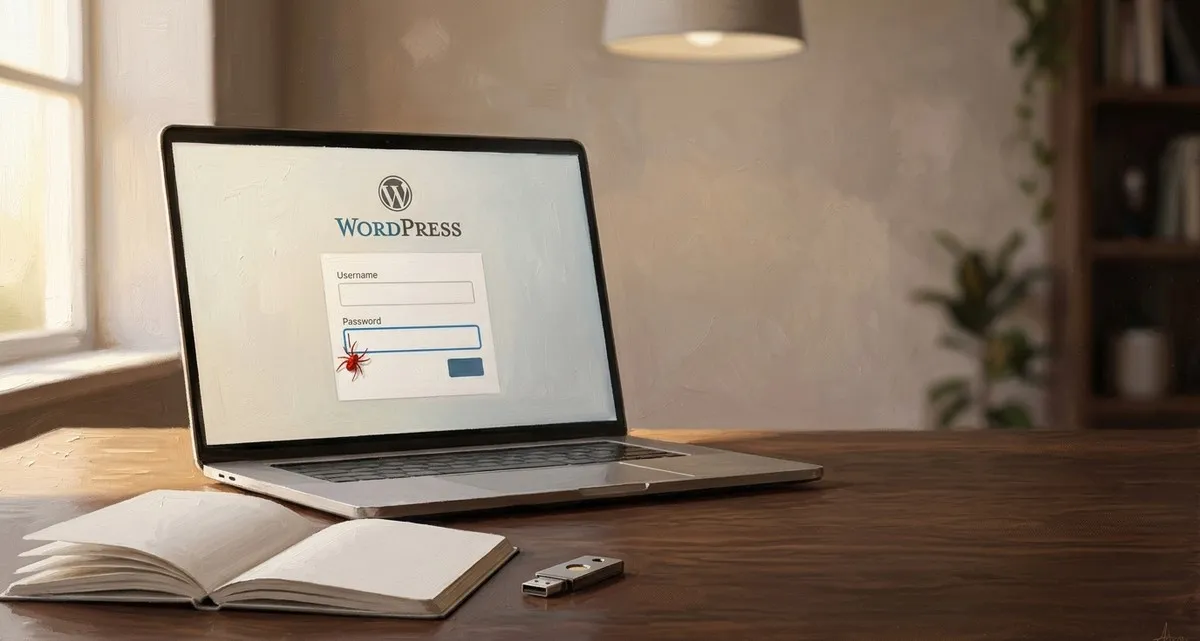
Hook – Your WordPress site could be hijacked today
Imagine a visitor to your website clicks a broken link, sees a harmless login screen, and – without even entering a password – a hidden piece of code runs in their browser. If an administrator of your site later clicks any link, that code can turn into a full‑blown server compromise. That is exactly what a newly disclosed WordPress, the platform that suffered the vulnerability (CVE‑2026‑64638), can do, and it affects every version of the platform that is still in use.
The fix is already available. Many sites don’t update automatically, leaving a door open for attackers. If you run a WordPress website, you need to act right now.
WordPress sites are currently exposed to a critical XSS flaw. Updating now stops attackers from hijacking your admin account.
What’s the WordPress XSS vulnerability?
Cross‑site scripting (XSS) – a way to inject malicious JavaScript into a page that other people view – is the technique used here. In this case the flaw lives on the login screen – the page you see when you or a customer tries to sign in.
- No login needed – The attacker only needs to supply a crafted username in the login form.
- The script runs instantly – WordPress’s error page displays the malicious code without any further clicks.
- If an admin clicks anything later – The hidden script can talk to WordPress’s own back‑end, eventually letting the attacker run PHP code execution (the language WordPress runs on) on your server.
In plain language: a visitor could be tricked into visiting a malicious page, and the moment an administrator of your site clicks a link, the attacker could gain the same level of access as the admin. That could mean installing plugins, stealing data, or even taking your whole site offline.
Why it matters for your business
- Your site looks fine, but the risk is hidden. The vulnerability lives in the login page, not in the visible content. You may not notice anything wrong until it’s too late.
- All versions are affected. Even the newest WordPress 7.0.3 release is vulnerable if you haven’t applied the patch released on August 6, 2026.
- A single admin click can compromise everything. If one of your staff members clicks a malicious link – perhaps in an email or on social media – the attacker can gain full control of the server, potentially exposing customer data, order information, or confidential files.
- Compliance and reputation are on the line. A breach can trigger GDPR fines, damage trust, and cost you time and money to recover.
How to fix the WordPress XSS vulnerability now
-
Check your WordPress version
- Log in to your WordPress dashboard.
- Look at the “At a Glance” box on the main screen or go to Dashboard → Updates.
- If you see anything older than 7.0.3 (or the latest 4.7‑branch release), you need to update.
-
Apply the official patch
- Click the Update Now button on the Updates page. WordPress will download and install the security release automatically.
- If you manage the site on a hosting control panel, look for a “WordPress Update” option there and run it.
-
Enable automatic background updates
- In Dashboard → Updates, tick the box “Enable automatic updates for WordPress core”.
- This ensures future security releases are applied without you having to remember.
-
Backup before you update (optional but safe)
- Most managed hosts create daily backups automatically. If you handle backups yourself, create a fresh copy of both the database and the files before clicking “Update Now”.
- A backup lets you roll back quickly if a plugin conflicts with the new version.
-
Test critical functionality
- After the update, visit a few key pages (online shop checkout, contact form, booking system) to confirm everything works.
- Most plugins are compatible with the latest WordPress, but a quick test saves headaches later.
-
Consider a managed security service
- If you’d rather not worry about updates, backups, or monitoring, let experts handle it for you. (See the closing section.)
WordPress XSS FAQ
Do I need to backup before updating?
It’s a good habit, especially if you run custom plugins or themes. A backup protects you against rare cases where an update causes a conflict.
Will the update break my plugins or theme?
WordPress strives for backward compatibility, and the security patch is a minor change. Most well‑maintained plugins work without issue. If a plugin does break, the developer will usually release a fix quickly.
My host says “WordPress updates are automatic” – is that enough?
Automatic updates are great, but they depend on the host’s configuration. Verify that the latest version (7.0.3 or newer) is actually installed, and ask your host to confirm the patch has been applied.
What if I’m not comfortable updating myself?
You can hand the task over to a trusted partner. A managed service will apply updates, monitor for new vulnerabilities, and respond if anything goes wrong.
Closing – why IT Move NL can help
Keeping a website secure is a full‑time job, and you already have enough on your plate running a bakery, a dental clinic, or a small logistics fleet. Our Security & Protection service takes the worry out of WordPress maintenance:
- Patch management – We apply WordPress core updates the moment they’re released, without you lifting a finger.
- Continuous vulnerability monitoring – Our tools scan your site daily for new threats, so you’re always a step ahead.
- 24/7 incident response – If something unexpected happens, our experts jump in immediately to contain and remediate the issue.
Let us handle the technical side so you can focus on growing your business. If you’d rather let experts keep your site safe, our Security & Protection service handles updates, monitoring, and 24/7 response – just get in touch. Contact IT Move NL today and make sure your WordPress site stays safe, fast, and reliable.
Sources:

He/Him · AWS Certified Solutions Architect | Cloud Engineer @ Essent
Cloud Engineer at Essent B.V. with 10+ years of experience in the tech industry. AWS Certified, passionate about serverless architectures, Infrastructure as Code, and DevOps. Proficient in TypeScript, Python, and Terraform. Based in Amersfoort, Netherlands.
STAY IN THE LOOP
// Cloud, AI & DevOps insights — straight to your inbox.
No spam. Unsubscribe anytime.
// Related articles



Need help with your cloud infrastructure?
Our team of experts is ready to help you navigate the complexities of modern cloud architecture.
Get in Touch